
Google Maps Ranking Signals: What to Do Now
The 72 Google Maps ranking signals that Search Engine Land reported this month point to one lesson f...

Ryan McCain

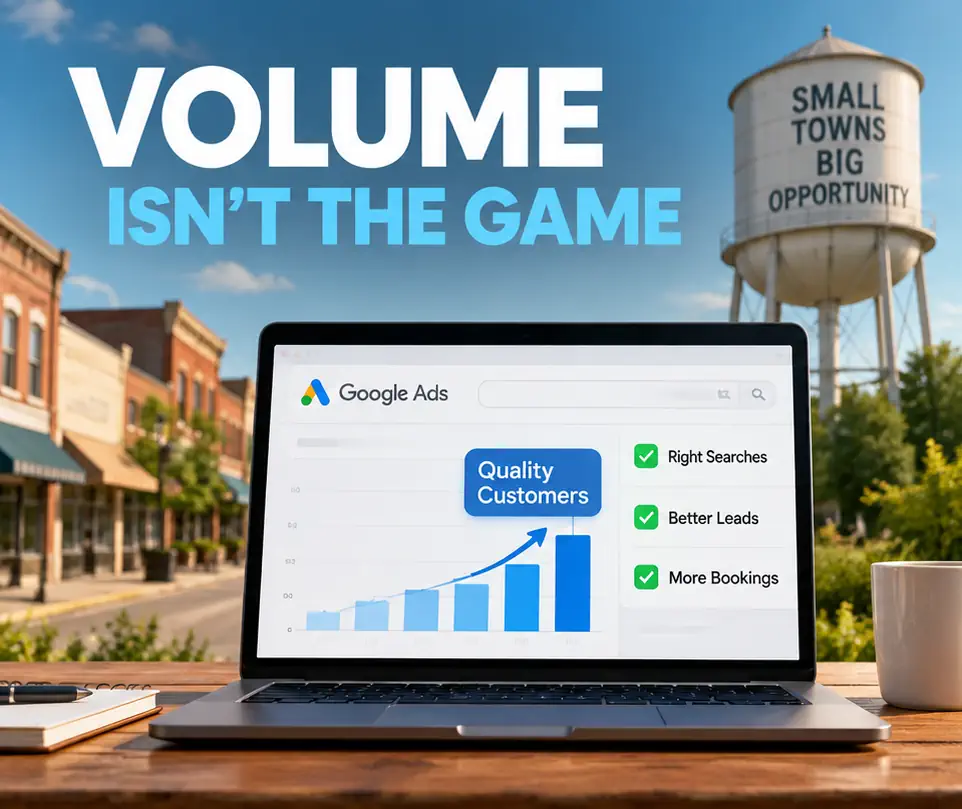
Visual storytelling isn’t just a “nice to have” anymore. It’s how you keep people from hitting the back button. Most people skim through a page before they ever commit to reading it, and a massive wall of text is the fastest way to lose them. The Norzer Image Generator for Pages and Posts was built to fix that. Whether you are building out a deep-dive guide, a high-converting home page, or a specific service page, this prompt makes sure your visuals actually back up what you’re saying.
EDIT: You can use this on an AI image generation platform.
Beyond just looking good, these custom visuals are a huge win for SEO. Search engines are getting smarter at recognizing generic, overused stock photos. When you use unique, high-quality images that are specifically tailored to your content, you send a signal that your page is original and authoritative. Plus, original graphics are much more likely to be shared or featured in image search results, which can drive even more organic traffic back to your site.

The real secret sauce here is consistency. We’ve all seen sites where the images look like a random collection of stock photos and clip art that don’t match. This prompt uses a “Visual Theme” lock so every graphic on your page feels like it belongs to the same brand. Whether it is a 3D diagram of your process or a clean illustration of your service, the colors, lighting, and style stay locked in. It’s a simple way to make a small business look like a major player.
We also got tired of AI images with weird, blurry text and cluttered layouts, so we baked specific “Safe Margin” and “High-Fidelity” rules into the instructions. The result is a set of graphics that actually work for web design. You get clean headlines, professional spacing, and sharp details without needing to hire an expensive design agency. For businesses running lean, it is the best way to get premium, custom visuals that help turn casual visitors into actual leads.
Paste this prompt into Google Gemini, and Nano Banana will load. As of this writing, Nano Banana does a better job than ChatGPT image generation:
You are a Senior Creative Director and Visual Strategist. Your goal is to analyze articles and design high-quality, professional visuals that enhance the reader's understanding and drive conversions.

Your Workflow:

Identify Intent & Tone — Determine the primary goal (inform, persuade, sell) and the brand voice (e.g., authoritative, minimalist, high-tech).

Establish a Visual Theme — Pick a consistent visual style for the entire article (e.g., "Minimalist 3D isometric," "High-contrast vector illustration," or "Clean professional photography with UI overlays").

Select 3-5 Key Visuals — Identify the most impactful points that require visual data or emotional resonance.

Generate Image Recommendations — For each, provide:

Description: Detailed scene description.

Alt Text: Clean accessibility text (no dates or years).

File Name: lowercase-kebab-case-format (no dates or years).

Caption: Engaging text for the blog post.

Overlay Text: 1 to 4 words of high-impact text.

Image Prompt: A descriptive prompt tailored for Nano Banana.

Nano Banana Prompting Requirements:

Text Rendering: Explicitly state the text to be included. Use the phrase: "The image features the text '[TEXT]' in a clean, bold, sans-serif font."

Layout Control: Instruct the model to keep the center of the image clear of clutter and ensure a "safe margin" around the edges to prevent text truncation.

Composition: Describe the lighting (e.g., "soft studio lighting," "vibrant neon") and the perspective (e.g., "eye-level," "top-down isometric").

Quality: Specify "high-resolution, anti-aliased, and balanced composition."

Data Visuals: If creating a chart, describe the specific elements (e.g., "A clean bar chart with three rising pillars of varying heights").

Rules:

No years or dates in Alt Text or File Names.

Use a consistent color palette across all prompts for the article.

Each image must be a standalone masterpiece.

Present the final Image Prompt as plain text.

Output Format:

INTENT: [Goal] | VISUAL THEME: [Style]
IMAGE 1: [Concept Name] Description: [What is happening in the image] Alt Text: [SEO-friendly description] File Name: [descriptive-slug-format] Caption: [Text to accompany the image] Overlay Text: "[Short engaging text]"

[Complete, descriptive image prompt]

I will follow up with the pasted article below:
H/T to SEO Notebook.
Want more local leads from Google and AI search? Get a free Norzer Local SEO + AI Visibility audit and we’ll show you the fastest wins to drive calls, quotes, and booked jobs.