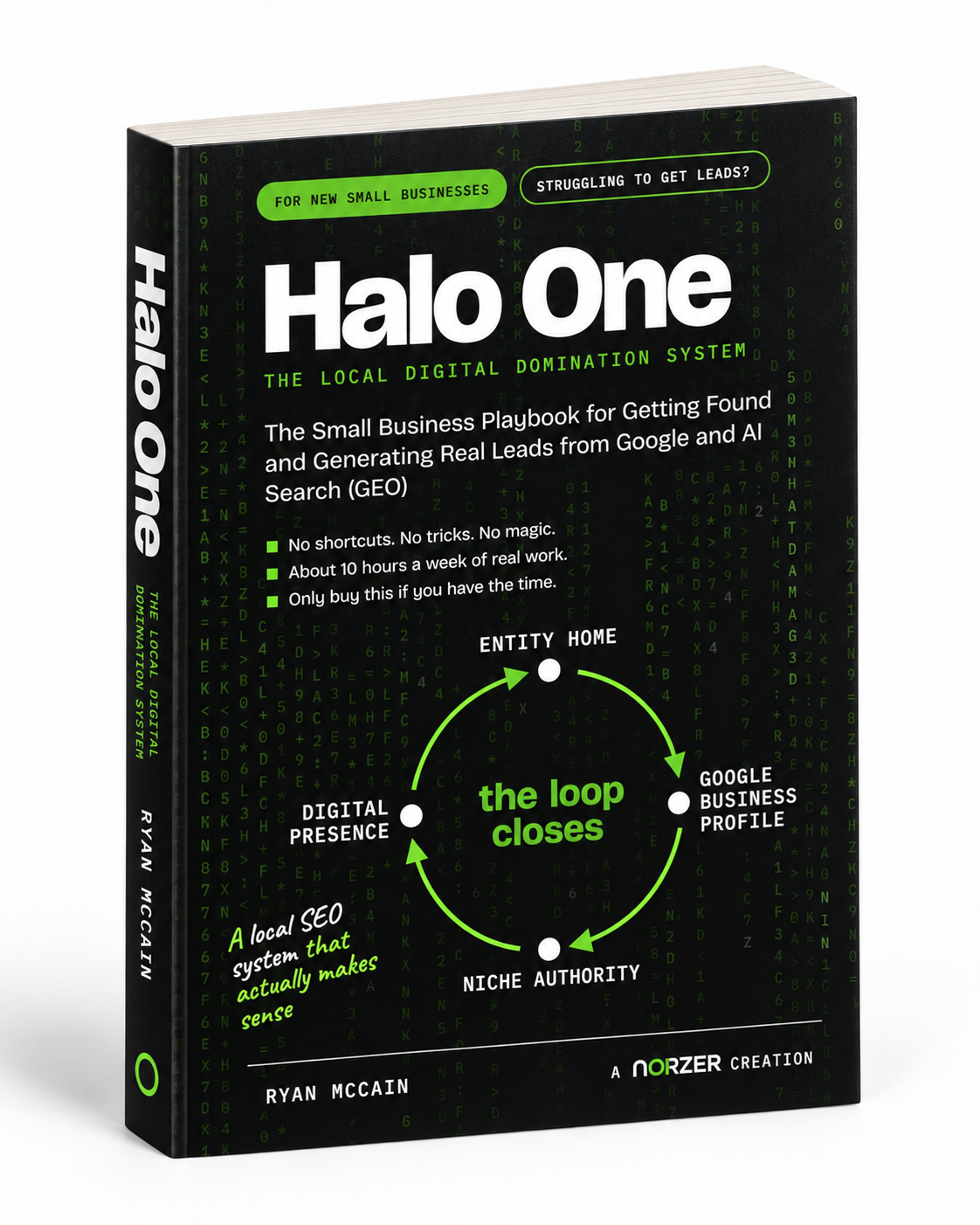
What Is the Best Local SEO Book?
There is no single best local SEO book. There is a best one for how you plan to work, and the honest...

Ryan McCain

Google reviews are one of the strongest ranking signals for local search visibility. They directly influence whether your business appears in the Google Map Pack, how prospects perceive your credibility, and whether they choose you over a competitor.
A consistent stream of authentic reviews compounds over time and is nearly impossible for competitors to replicate. The problem is that most small businesses either never ask, ask inconsistently, or ask in ways that make it easy for the client to ignore.
This guide gives you a repeatable, low-effort system for requesting reviews after every completed engagement. Follow it consistently and you will see results.
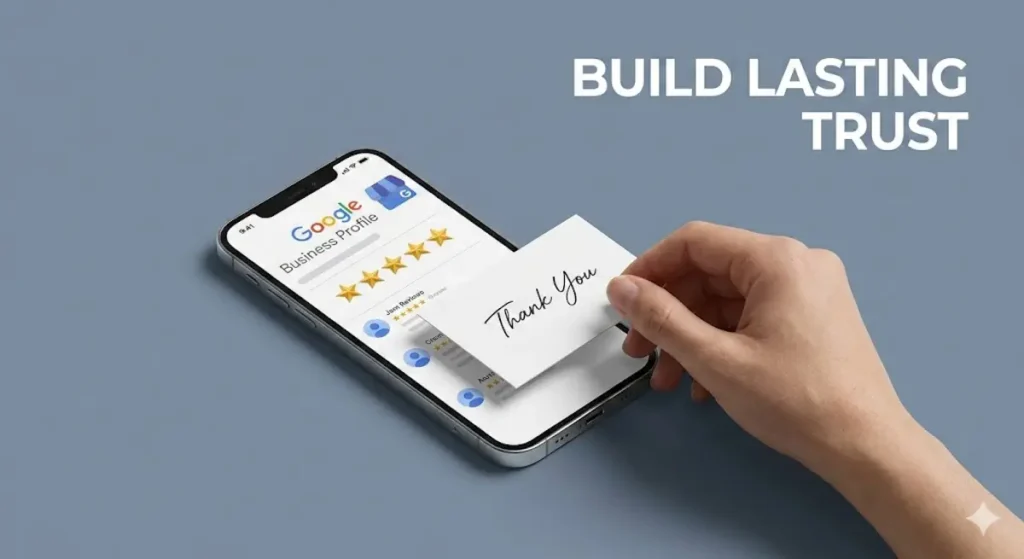
Before you send a single review request, you need to make leaving a review as easy as possible. Most people are willing to leave a review. They just don’t know where to go, or they don’t have time to figure it out. If someone has to Google your business, find your profile, scroll to the review section, and then figure out how to write one, you’ve already lost them.
The fix is simple. Create a short, memorable link on your website that takes people directly to your Google review form. Something like yourdomain.com/google. When someone clicks this link, the Google review box opens immediately. No searching, no scrolling, no extra steps.
This one thing will dramatically increase the number of people who actually follow through. You are removing every obstacle between “I should leave a review” and “Done.”
Use this link in every review request email, text message, QR code, and email signature. It is the foundation of everything that follows in this guide.
Send the first review request 2-3 days after the engagement closes. This is when the client’s experience is still fresh and their satisfaction is highest. Do not wait longer than one week for the first touch.
Personalization is everything. The request should mention the specific service you performed and include a personal detail you remember about the client. This signals that the message is from a real person, not an automated blast.
If you have the client’s mobile number and permission to text, consider sending an SMS instead. Text messages consistently outperform email for review conversion.
If no review is posted within 5-7 days, send one follow-up. Keep it shorter and more casual than the first message. One follow-up is usually enough. A second follow-up at the two-week mark is optional. Use your judgment based on your relationship with the client.
Respond to every review within 24 to 48 hours, both positive and negative. This signals to Google that your profile is active, and it shows prospects that you value client feedback.
Most importantly, be human. In a world where every other business is using AI-generated responses and automated templates, a response that sounds like an actual person wrote it stands out. People can tell the difference. When someone reads your review responses and can feel that a real human took the time to write back, that builds more trust than any marketing campaign ever will.
Do not overthink it. Write the way you would talk to the client if they were standing in front of you.
Your review responses are indexed by Google. Every response is an opportunity to reinforce what you do and where you do it. Naturally work in your service keyword and your city or neighborhood name. This helps Google connect your business to local search queries.
Just as important, add something personal. If you remember anything about the client, mention it. Their dog’s name, a trip they were planning, a game they were excited about. This makes your response feel human, builds loyalty, and shows prospects reading your reviews that you actually care about your clients as people, not just transactions.
Weak Response:
“Thank you so much, we really appreciate your kind words!”
Strong Response:
“Thank you, Marcus! It was a pleasure fixing your bathroom drain. Hope the crawfish boil went well last weekend! We love helping homeowners in Baton Rouge keep their plumbing running smoothly. Don’t hesitate to call if you ever need anything.”
Keep it natural. Your response should sound like a real person wrote it, not like someone trying to game Google. If the keyword or location feels forced in a sentence, rewrite it or leave it out. One mention of the service and one mention of the location per response is the sweet spot, never more.
About 80% of your review requests should go to Google. Your Google Business Profile is the single most visible review platform for local search, and it directly impacts whether you show up in the Map Pack.
That said, don’t ignore other platforms entirely. Sites like Yelp, Facebook, BBB, Angi, and industry-specific directories also show up when people search your business name. If your rating on any of these platforms is low, especially below 4.0, it can undermine the trust you’ve built on Google. A prospect who sees 5 stars on Google but 2.5 on Yelp is going to hesitate.
Occasionally direct a satisfied client to leave a review on a platform where your rating needs help. You don’t need to flood every site. Just enough to bring a weak rating up to a credible level. Once a secondary platform is at 4.0 or above, shift your focus back to Google.

Every review request you send should include a line that gives dissatisfied clients a private channel to share concerns before they go public. Something like:
“If anything about your experience fell short of expectations, we’d genuinely like to hear about it directly. Just reply to this email or call us at [phone].”
This is intentional. It protects your reputation by routing negative feedback to a direct conversation rather than a 1-star review. Do not skip this line.
Subject: Quick favor, [First Name]?

Hi [First Name],

It was great working with you on [specific project or service, e.g., your new patio, kitchen remodel, AC install, etc.]. We appreciate the trust you placed in [Business Name].

[Personal detail. Mention something you remember about them, e.g., "Hope the kids are enjoying the new backyard!" or "Good luck with the grand opening!"]

If anything about your experience fell short of expectations, we'd genuinely like to hear about it directly. Just reply to this email or call us at [phone].

But if we delivered, a quick Google review goes a long way. It helps other people in the area find the right help, and it helps our small business continue to grow in the community. Takes about 60 seconds:

[yourdomain.com/google]

Thank you. It means a lot.

[Your Name]
[Business Name]
[Phone]Hi Marcus,
It was great working with you on your kitchen faucet replacement. We appreciate the trust you placed in Bayou Plumbing.
Hope the crawfish boil went well last weekend!
If anything about your experience fell short of expectations, we’d genuinely like to hear about it directly. Just reply to this email or call us at (225) 555-0147.
But if we delivered, a quick Google review goes a long way. It helps other homeowners in Baton Rouge find reliable plumbing help, and it helps our small business continue to grow in the community. Takes about 60 seconds:
bayouplumbing.com/google
Thank you. It means a lot.
Jake
Bayou Plumbing
(225) 555-0147
Subject: Re: Quick favor, [First Name]?

Hi [First Name],

Just bumping this up, no pressure at all. If you have 60 seconds, we'd really appreciate a quick Google review:

[yourdomain.com/google]

Either way, it was a pleasure working with you. Don't hesitate to reach out if you need anything.

[Your Name]Hi [First Name], this is [Your Name] from [Business Name]. It was great working with you! If you have a minute, a quick Google review helps our small business grow and helps others in the area find us: [yourdomain.com/google]. If anything fell short, text me back and I'll make it right. Thanks!Most people default to writing something like “Great service, highly recommend!” which is nice but does nothing for your search visibility. The text inside the review itself is a ranking signal, just like your responses.
You do not want to script their review or make it feel forced. But you can nudge them. A simple line like this works well:
“If you’re not sure what to write, just describe what we did for you and how it went. That’s the most helpful kind of review!”
This naturally encourages them to mention the service and often the location without you having to ask for keywords directly.
Google reviews that include photos get significantly more visibility and engagement than text-only reviews. Photos also add authenticity. Prospects trust a review more when they can see the actual work. This is especially powerful for service businesses where the results are visual: remodels, landscaping, installations, repairs, detailing, and similar work.
When you send your review request, add a simple line encouraging them to attach a photo. Most clients are happy to do this, especially if they’re proud of the finished result.
“If you have a photo of the finished [project], attaching it to your review makes a huge difference. It helps other homeowners see the quality of work before they call.”
If you took photos during or after the project, and you have a comfortable enough relationship with the client, send them a photo or two along with the review request. This removes the friction of the client having to dig through their camera roll. It works especially well on longer-term projects where you’ve built a real rapport.
Not every client will include a photo, and that’s fine. But the ones who do will make your Google Business Profile stand out against competitors whose reviews are all plain text.
If your business finishes jobs face to face, a printed card or sticker with a QR code that links directly to your Google review page is one of the most effective tools you can use. The ask happens at peak satisfaction, right when the client is looking at the finished work and feeling good about it. Before they walk away and forget.
This works especially well for contractors, salons, auto shops, cleaning companies, and any business that sees clients in person. Keep a stack of cards in your truck, at the front desk, or in your job folder.
Need a QR code? You can get one for free right from your Google Business Profile. Log in, click the “Ask for reviews” button, and Google will generate a QR code you can download and print.
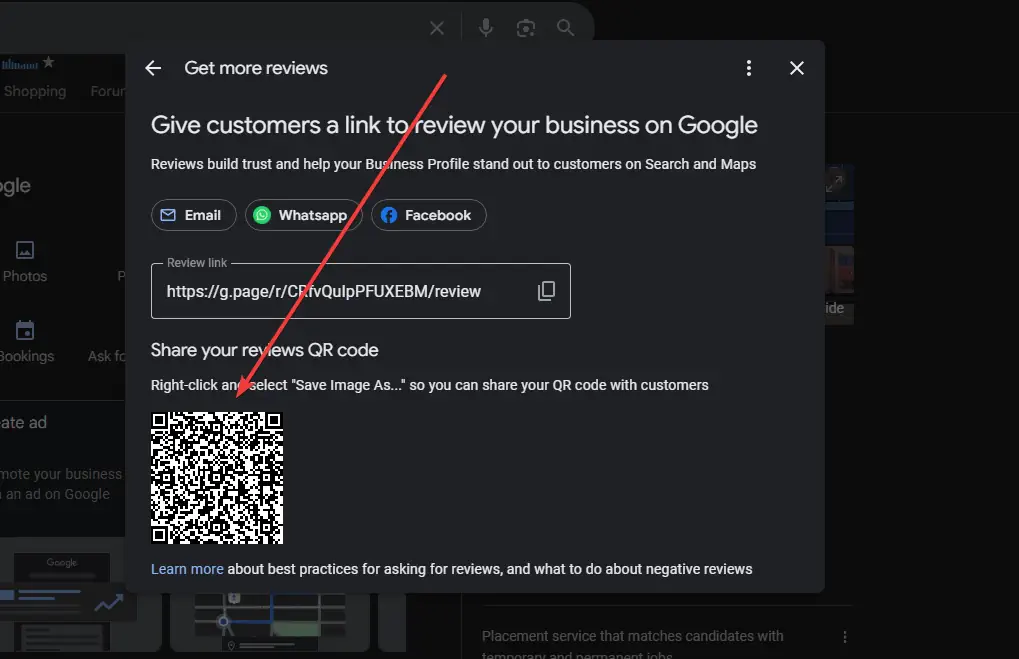
Every email your business sends is a passive opportunity to collect reviews. Adding a simple line to your email signature costs nothing and compounds over time.
Happy with our work? Leave us a quick review: [yourdomain.com/google]
This will not replace your active review request process, but it picks up reviews from clients who might not respond to a direct ask but will click a link they see at the bottom of a routine email.
The 2-3 day post-close timing works great for project-based businesses like remodels, installs, or one-time services. But if your business provides ongoing services like cleaning, landscaping, bookkeeping, or property management, there is no clear “close” to trigger the request.
For recurring services, ask for a review after a milestone or a particularly positive interaction. After the first month of service, after resolving an issue quickly, after a seasonal deep clean, or after the client compliments your work. The key is to ask when satisfaction is high, not on an arbitrary schedule.
Negative reviews happen to every business eventually. How you respond matters more than the review itself. Prospects reading your reviews will judge you more on your response than on the complaint.
Example Negative Review Response:
“Hi [Name], thank you for sharing your feedback. We are sorry to hear your experience did not meet expectations. We take this seriously and would like to make it right. Please give us a call at (225) 555-0147 so we can discuss this directly. We are committed to providing quality plumbing service to homeowners in Baton Rouge and your satisfaction matters to us.”
If you are able to work things out with the client, do not be afraid to ask them to update or remove their review. Most people are willing to do this once they feel heard and the problem is fixed. They left the review because they were frustrated, not because they want to hurt your business permanently.
Keep the ask simple and genuine. Something like: “I am really glad we were able to get this sorted out for you. If you feel good about how things turned out, we would really appreciate it if you could update your review to reflect that. Either way, we are just happy we could make it right.”
Never pressure them. If they say no or do not respond, let it go. Your professional public response to the original review already shows prospects that you handle problems with integrity.
When a client leaves a glowing 5-star review, that is your signal to ask for a video testimonial. Most businesses never make this connection, but the review process and the testimonial pipeline are the same funnel.
You do not need a production crew. A 30 to 60 second video shot on a phone is more authentic and trustworthy than a polished commercial. Just ask the client if they would be willing to record a quick video about their experience. Most people who leave enthusiastic written reviews will say yes.
These videos can go on your website, your Google Business Profile, and your social media. Video testimonials are some of the highest-trust content you can create, and they are nearly impossible for competitors to fake.
At Norzer, we build complete digital foundations for small businesses, including Google Business Profile optimization, lead generation, and local SEO.
One provider, one system, no finger-pointing.
Get in touch and let’s talk about what we can build for your business.